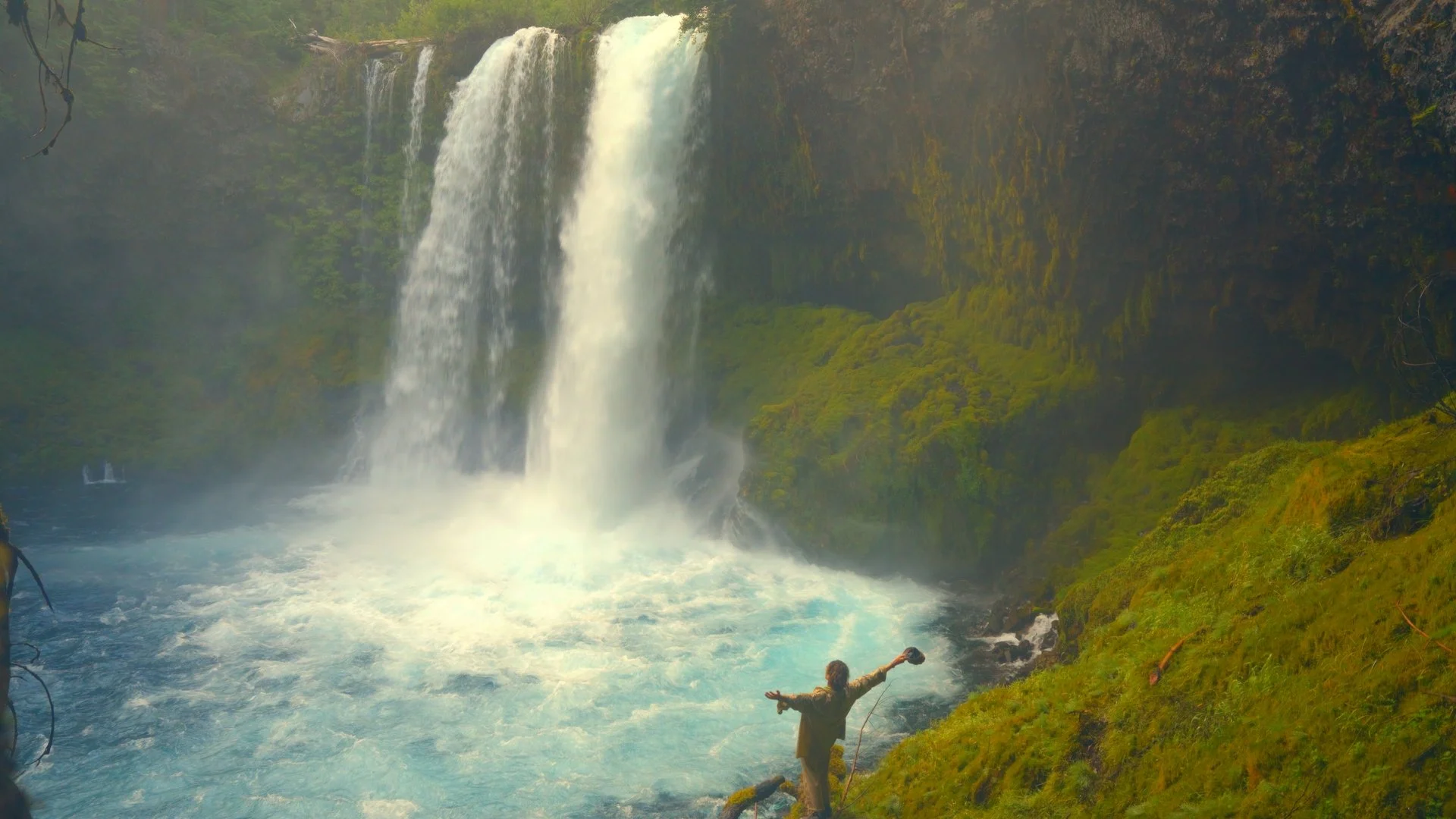

POWERGRADE & CINEMATiC LUTS
ON THE RUN POWERGRADE.
What's inside
• 1 PowerGrade for DaVinci Resolve
• 16 LUTs for DaVinci, Premiere and CapCut
• Works on your phone and with any camera
• Instant download


Shoot digital. Grade like it's 35mm.
A DaVinci Resolve PowerGrade built on Kodak and Fuji film print emulation.
One click, seven looks, film grain included.
The On The Run PowerGrade
The grade behind my travel films. Built from the ground up on DaVinci Resolve's Film Print Emulation LUTs (Kodak 2383 and Fuji at D55, D60 and D65), balanced, stacked and blended to behave like real film stock.
The look
Organic density. Smooth highlight roll-off. Natural skin tones. Tonal separation that feels cinematic, not digital.
What's inside
✔ 1 DaVinci Resolve PowerGrade (.drx), ready to import
✔ 7 switchable looks, from Neutral to Orange, Orange + Teal and Orange + Cine
✔ Kodak and Fuji print emulation at 3 white points: warm D55, neutral D60, cool D65
✔ Finishing tools: 16mm film grain, halation, sharpen, saturation, vignette and an optional vintage look
✔ Split Tone pre-set for subtle mood in shadows and highlights
✔ 16 bonus LUTs for DaVinci, Premiere, CapCut and phone editing apps
✔ A step-by-step PDF guide: install, every node explained, tips
✔ Instant download
Works with your camera
Optimized for Sony S-Log3 / S-Gamut3.Cine (A7 III, FX3, FX6, FX9).
Also works with ARRI LogC, Canon C-Log, RED IPP2, Panasonic V-Log, Blackmagic Film, and Rec.709 or HLG footage. A Color Space Transform at the start brings any camera into the same space before the film look is applied.
Built to adjust, not lock you in
Every look and film variant sits in its own parallel node. Toggle any of them with Ctrl+D (Cmd+D on Mac), mix two looks, switch Kodak for Fuji, or turn off the grain. It's a starting point you can make your own.
Install in 3 steps
Copy the LUTs into Resolve's LUT folder and restart.
Color page → right-click in Stills/PowerGrade → Import → pick the .drx file.
Select your clip and double-click the grade.
Requirements
DaVinci Resolve (desktop). The Split Tone node needs Resolve 20.1 or newer. The 16 LUTs work in Premiere, CapCut and most editing apps.
Who it's for
Creators who shoot well and want their footage to look finished, without building a grade from scratch.
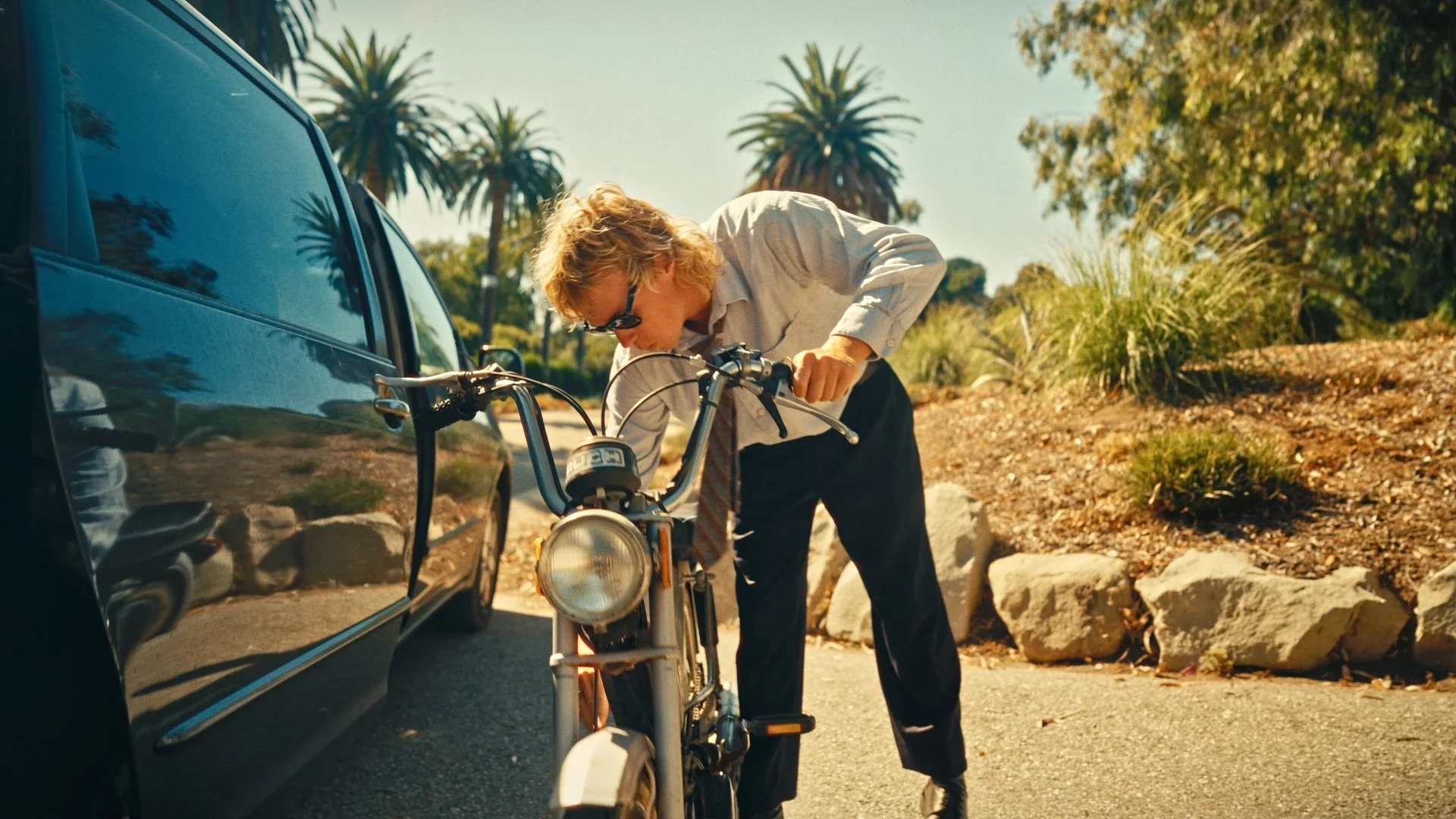
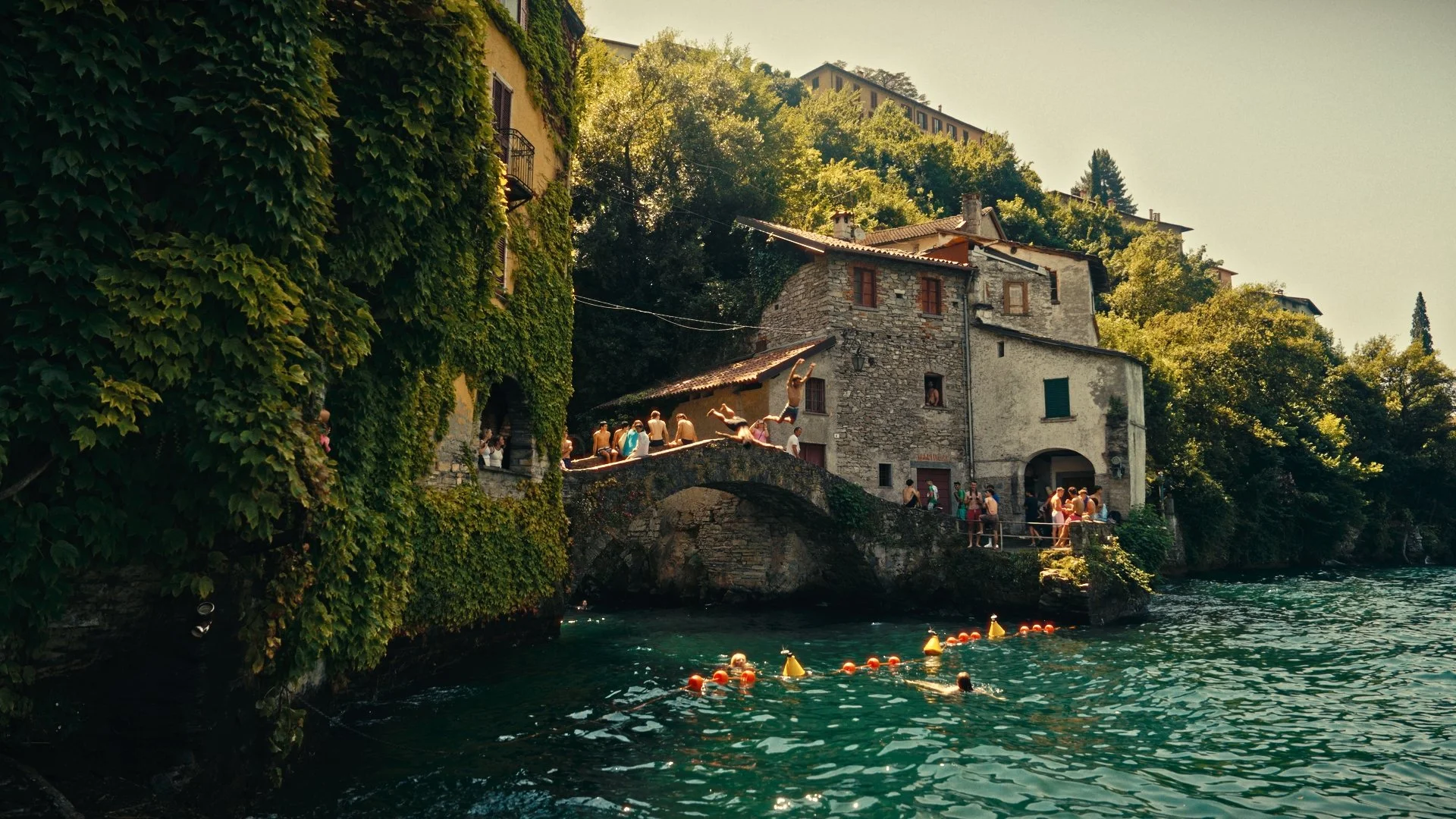


On the run LUTS
16 LUTs.
Crafted from my own footage across three years on the road.

16 LUTs. Built from my own footage.
Three years of color grading, turned into 16 LUTs.
What's inside
✔ 16 LUTs, ready to use
Works with
• DaVinci Resolve
• Adobe Premiere Pro
• CapCut (desktop and phone)
• Phone editing apps that support LUTs
• Footage from phones, mirrorless cameras and drones